Gyro data, baked into your footage.
StealthLogger logs your iPhone's gyroscope at 100 Hz while you shoot, then writes it into the video file as a CAMM track. Gyroflow reads it straight out — no sidecar log to keep paired with the clip for the rest of its life.
Rotation rate rad/s · sample trace
- gx
- gy
- gz
- 100 Hz
writing ›
Signal path
-
Record
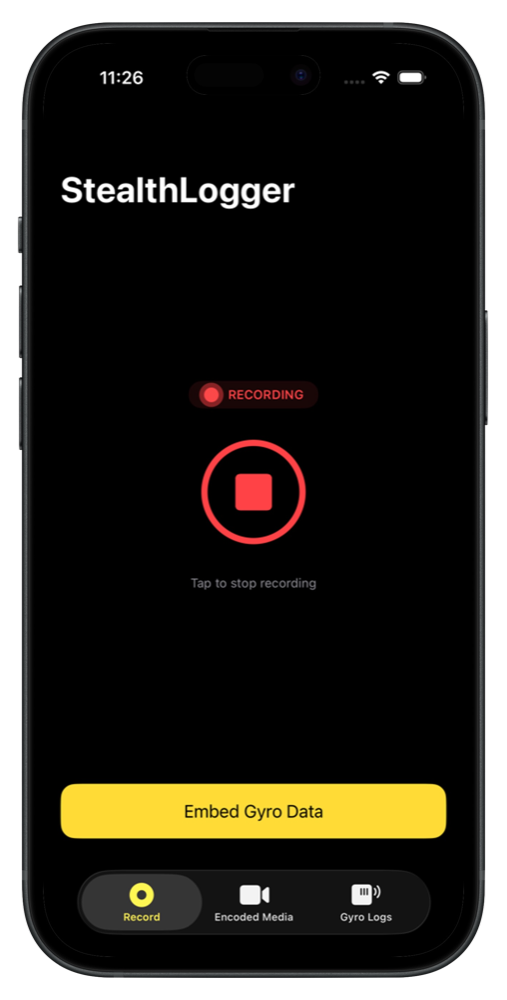
Start a session, then shoot with the Camera app. Motion is sampled in the background and written straight to disk as you go.
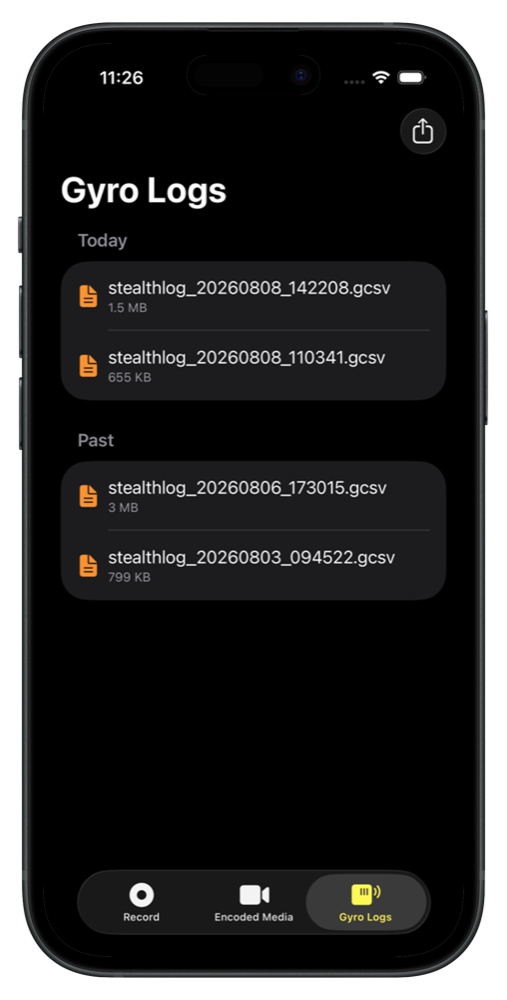
stealthlog_20260808_142208.gcsv
-
Embed
Pick your clips. Each is matched to the session recorded around the same time, then remuxed — the video is copied, never re-encoded.
stealth_remux_20260808_143112.mov
-
Stabilise
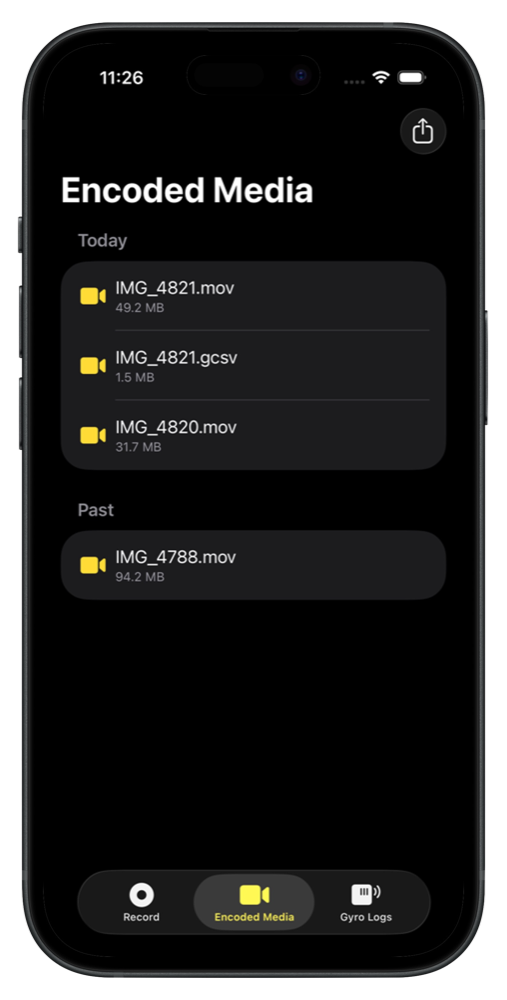
Open the result in Gyroflow. The CAMM track is picked up on import with nothing to line up by hand.
Gyroflow · auto-detected
The readout
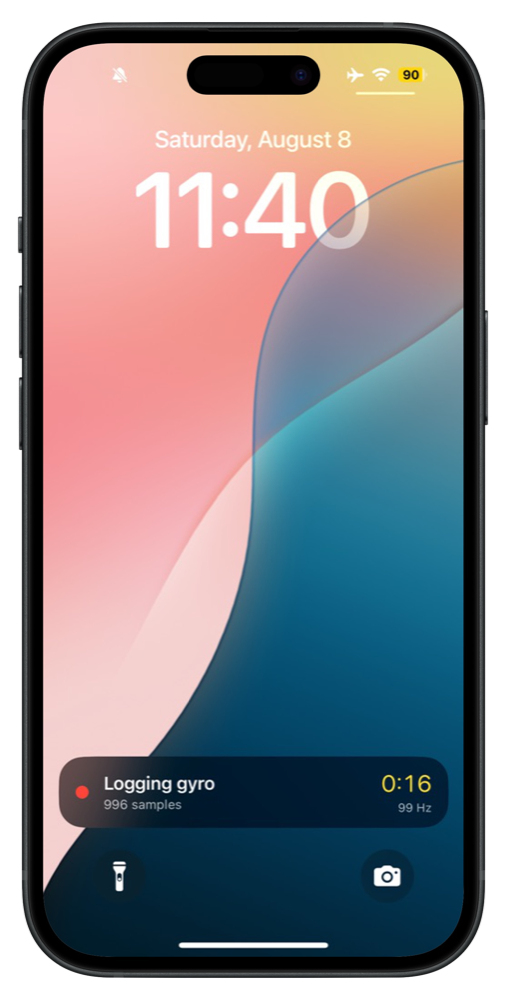
You spend the shoot inside a different app. The awkward question is whether logging is still alive back there.
So the session reports from the Lock Screen for as long as it runs: elapsed time, samples captured, and the rate they're actually arriving at.
That last figure is the one worth watching. It should sit near 100 Hz — if iOS throttles the sensor or deprioritises the app, it sags, and you find out during the shoot instead of after it.
Hands-free
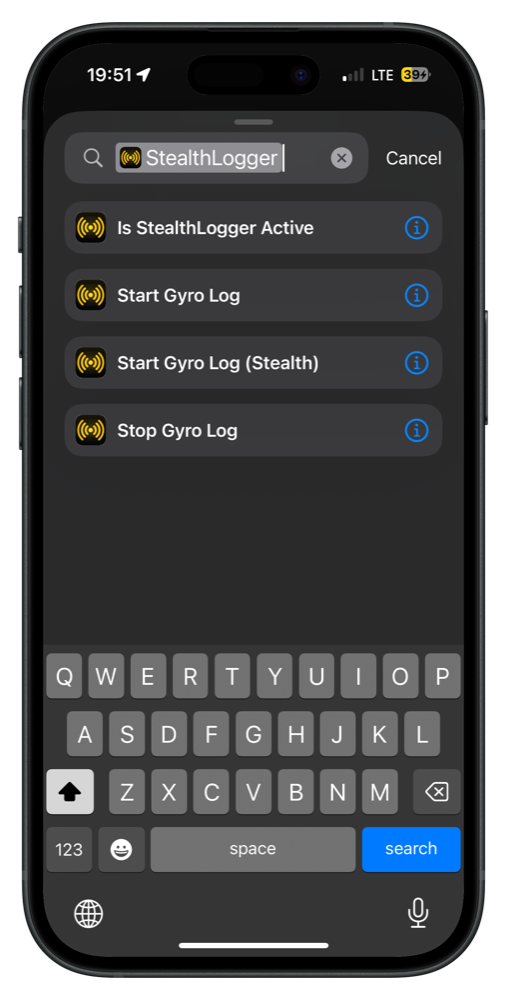
Four actions — Start Gyro Log, Start Gyro Log (Stealth), Stop Gyro Log, and Is StealthLogger Active — are available system-wide the moment the app is installed: Siri, the Shortcuts app, Spotlight, the Action Button. No setup step.
Stealth Start and Stop run without opening the app at all — no Lock Screen indicator, no switching away from whatever you're filming with. Is StealthLogger Active returns a plain Boolean, so a shortcut can check before deciding what to do next.
Screens
Spec
- Sampling
- Gyroscope and accelerometer, 100 Hz
- Log format
- Gyroflow IMU log v1.3 · orientation YxZ · tscale 1e−6
- Embedding
- Native CAMM metadata track, remuxed without re-encoding
- Clip matching
- By creation timestamp, within a 300-second window
- Batch
- Many clips per session, each matched independently
- Readout
- Live Activity on the Lock Screen and Dynamic Island
- Automation
- Siri, Shortcuts, Spotlight, Action Button — start, stop, check status
- Requires
- A physical iPhone · iOS 16, or 16.2 for the readout